Registration Overview
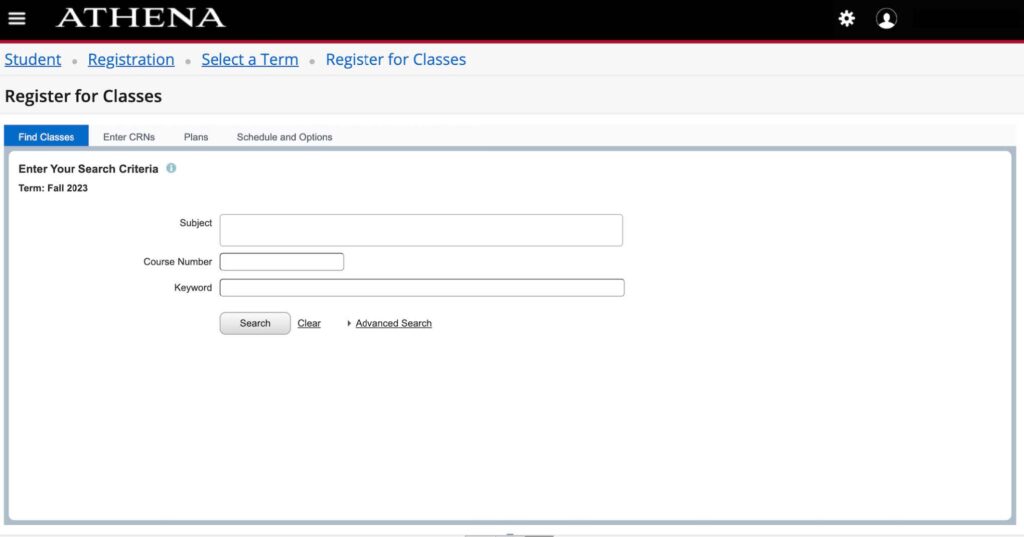
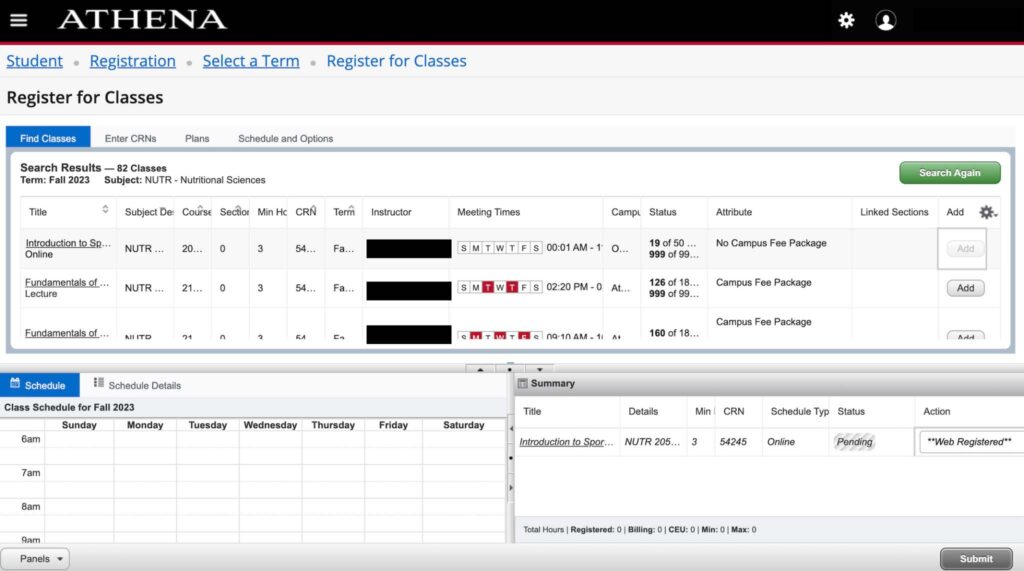
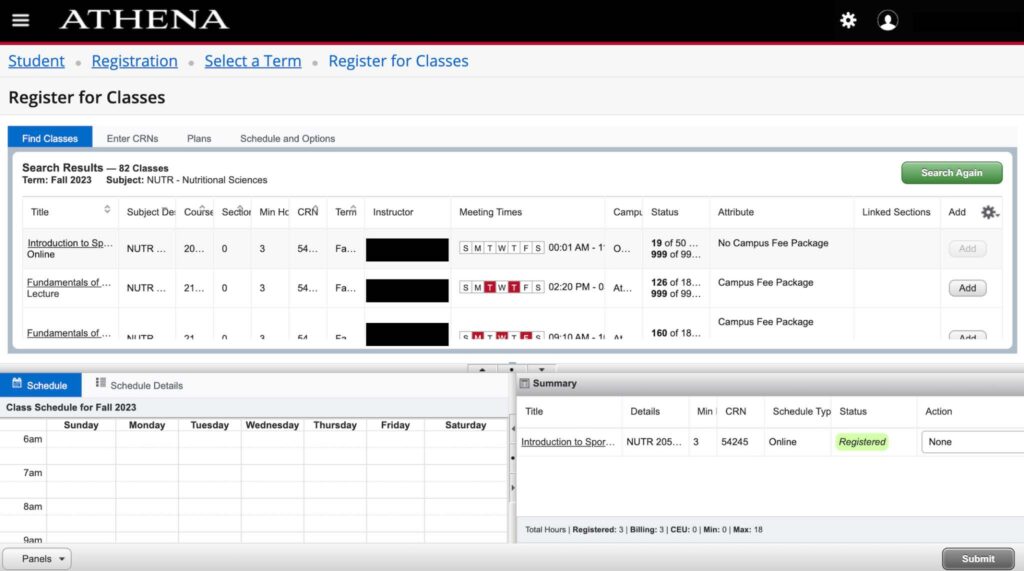
Registration and adjusting schedules, including dropping and adding classes, is one of several options available to students in Athena.
Registration Eligibility
If an undergraduate student has not registered for classes within three semesters of his or her last enrolled semester, he or she will be required to apply for readmission to UGA as a former undergraduate student.
Undergraduate students must enroll in classes for the semester in which they are admitted or readmitted to UGA. If a student fails to enroll in the semester for which admission or readmission is granted, he or she will be required to reapply for admission.
Graduate students should contact the Graduate School for information about maintaining registration eligibility.
Professional students should contact their respective schools or colleges for information about maintaining registration eligibility.
Registration Time
Registration phases below:
Early Registration
This phase is for continuing students. Students may register beginning at their assigned registration appointment time through the end of the Add phase.
Registration
This phase is a continuation of the Early Registration phase for continuing students and is also for new and transfer students. It begins after the first tuition and fees payment deadline; assigned registration appointments are not needed during this phase.
Drop / Add
Drop / Add begins on the first day of classes and continues until midnight of the fifth day of classes for all undergraduate level courses (0097 – 5999) and all graduate level courses (6000 – 9999).
The dates for these phases for the current term are noted in Calendars.
Registration Process
Please note that students are responsible for being aware of and following the deadlines related to registration, tuition and fees payment, dropping and adding classes, and withdrawal from either individual classes or all classes. These important deadlines for each semester may be found in Calendars.
- Meet with Your Advisor
- All undergraduates and graduates in certain programs must meet with their advisors and be cleared for registration prior to being able to register. Many programs have complex degree requirements or require that courses be taken in sequence. Advisors will provide assistance in helping students plan their academic programs accordingly. Advisors or their designees must enter a registration clearance code indicating a student has been advised before being permitted to register. Prior to an advising appointment, a student should be aware of any special authorizations or prerequisites to courses under consideration for registration. Students are also encouraged to review their DegreeWorks audit prior to visiting with an advisor. Most advisors prefer that students complete the UGA Bulletin Worksheet prior to their advising appointment and bring the worksheet to their appointment.
- Check Course Authorizations
- Check the Schedule of Classes for any special permission needed to register for a class, such as Permission of Department (POD), Permission of Major (POM), Permission of Honors (POH), Permission of School (POS), or Permission of Learning Communities Program (POL). Be sure to see the appropriate department to obtain permission.
- Check Course Prerequisites
- Students are responsible for being aware of any prerequisites. Students should make sure they have the prerequisites to take the courses they have chosen. All academic departments block registration for their undergraduate-level courses to students who have not met prerequisites. See the current Undergraduate Bulletin for more information. Graduate-level courses do not check for prerequisites.
- Check for Holds
- Students with holds on their record will not be permitted to register until holds have been cleared. Holds can be viewed in the registration system.
- Check to see when your appointment or time ticket will be available
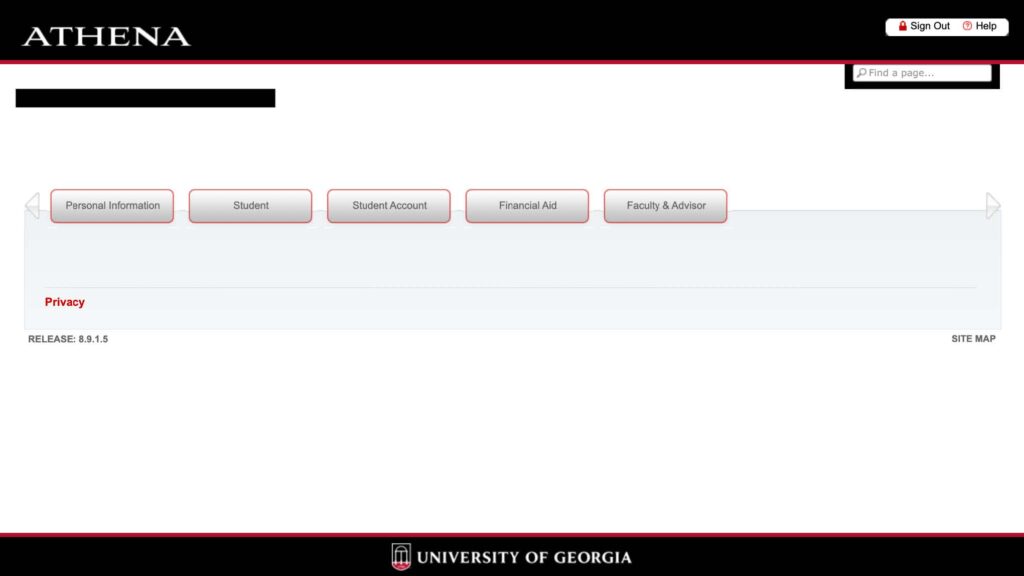
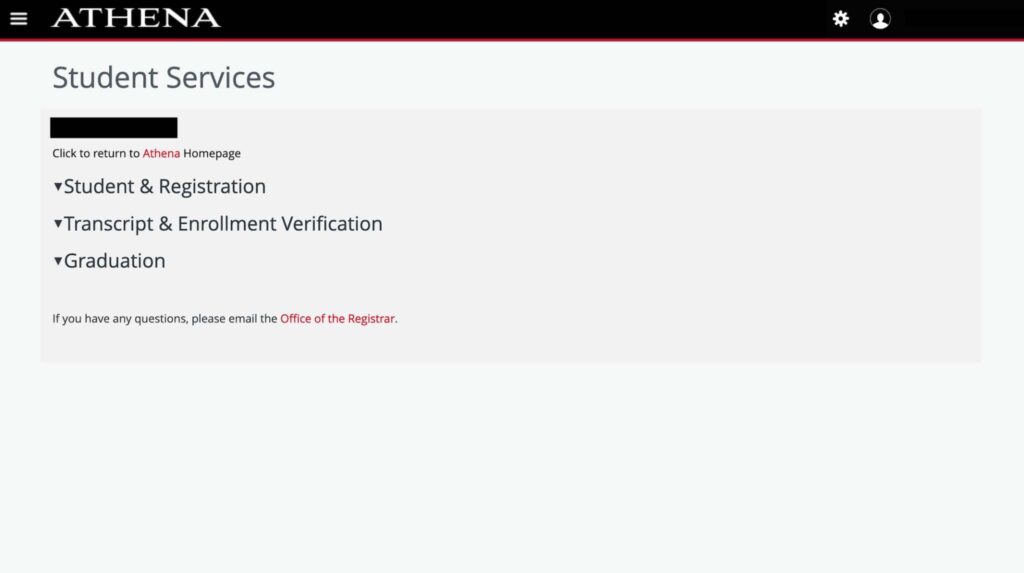
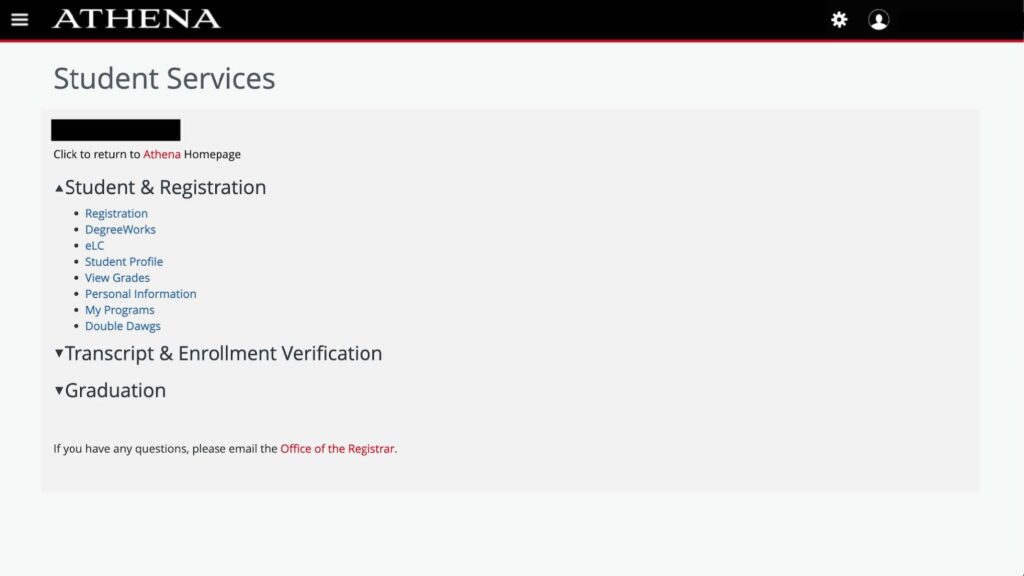
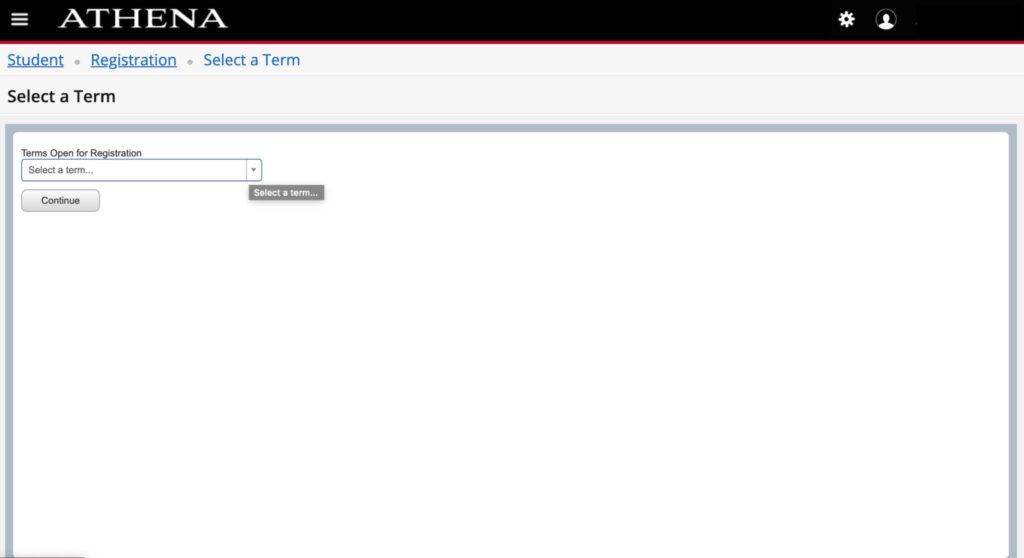
- Access Athena and begin registration
- Students may access registration via the Athena Home Page.