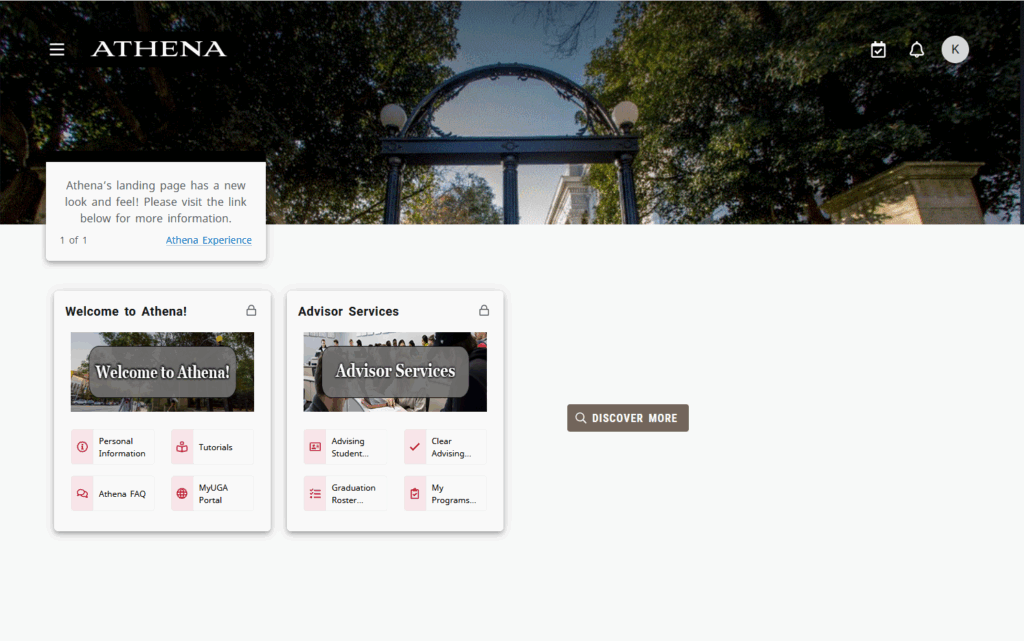
Athena, UGA’s student information system, has upgraded to a new mobile-friendly experience. Athena Experience includes a landing page with an updated look and feel.
This is part of an initiative to provide a personalized and secure hub for students, faculty, and staff, enabling them to better navigate essential tasks and obtain timely information in Athena.
Please update any bookmarks for athena.uga.edu, as any saved bookmarks may not work due to the upgrade.
Initial Setup
Users must complete the following initial setup process when logging into Athena for the first time following the upgrade.
- Users will see the “Welcome to Your Dashboard” screen.
- Select the “Get Started” option.
- Users will then see the “Make it Your Own” page.
- Select the “Next” option.
- Lastly, users will encounter the “Enhance Your Experience” page. Users can either select “No Thanks” or “Accept” after reading the information.
- Following this selection, users will be taken to the new landing page.
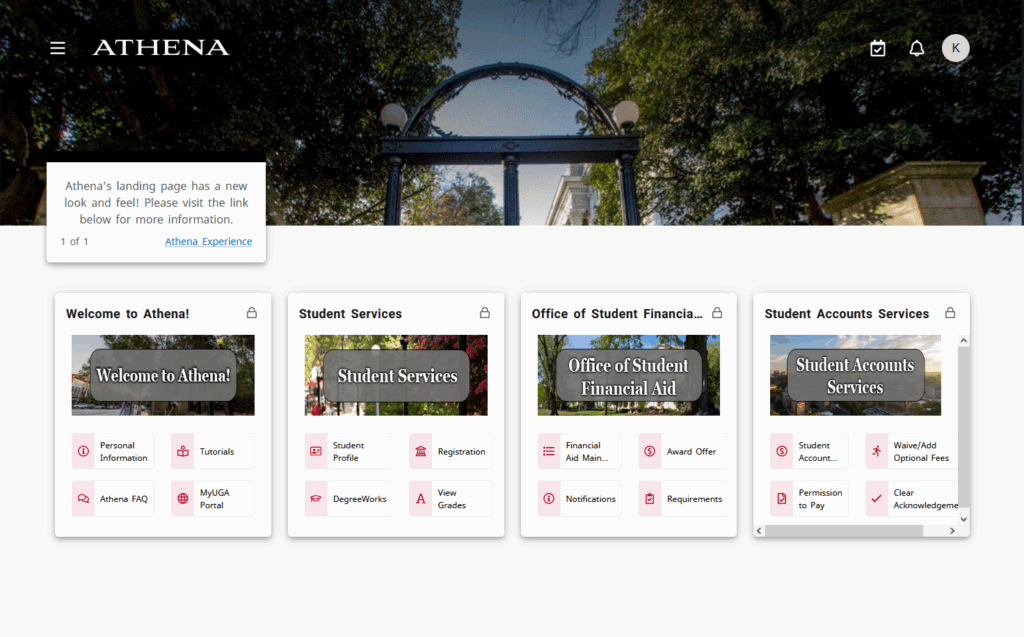
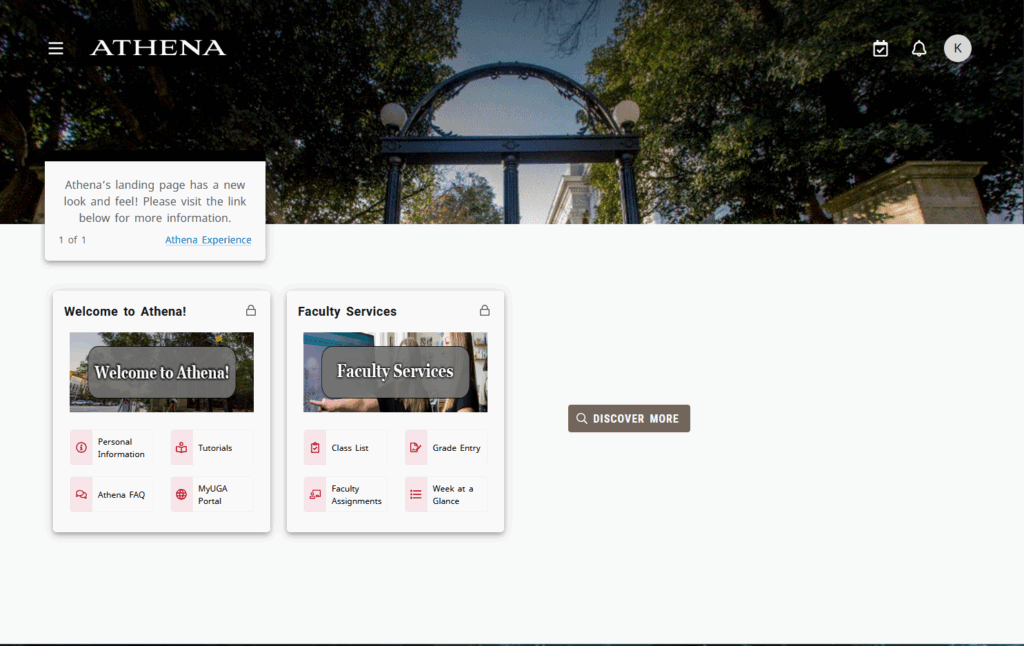
Below are the student, faculty, and advisor views of the landing page.
Student View
Faculty View
Advisor View